Free website account required. No Pro subscription, card, or payment needed.
Made by diabetics, for diabetics. Personal tracking and education—not medical advice.
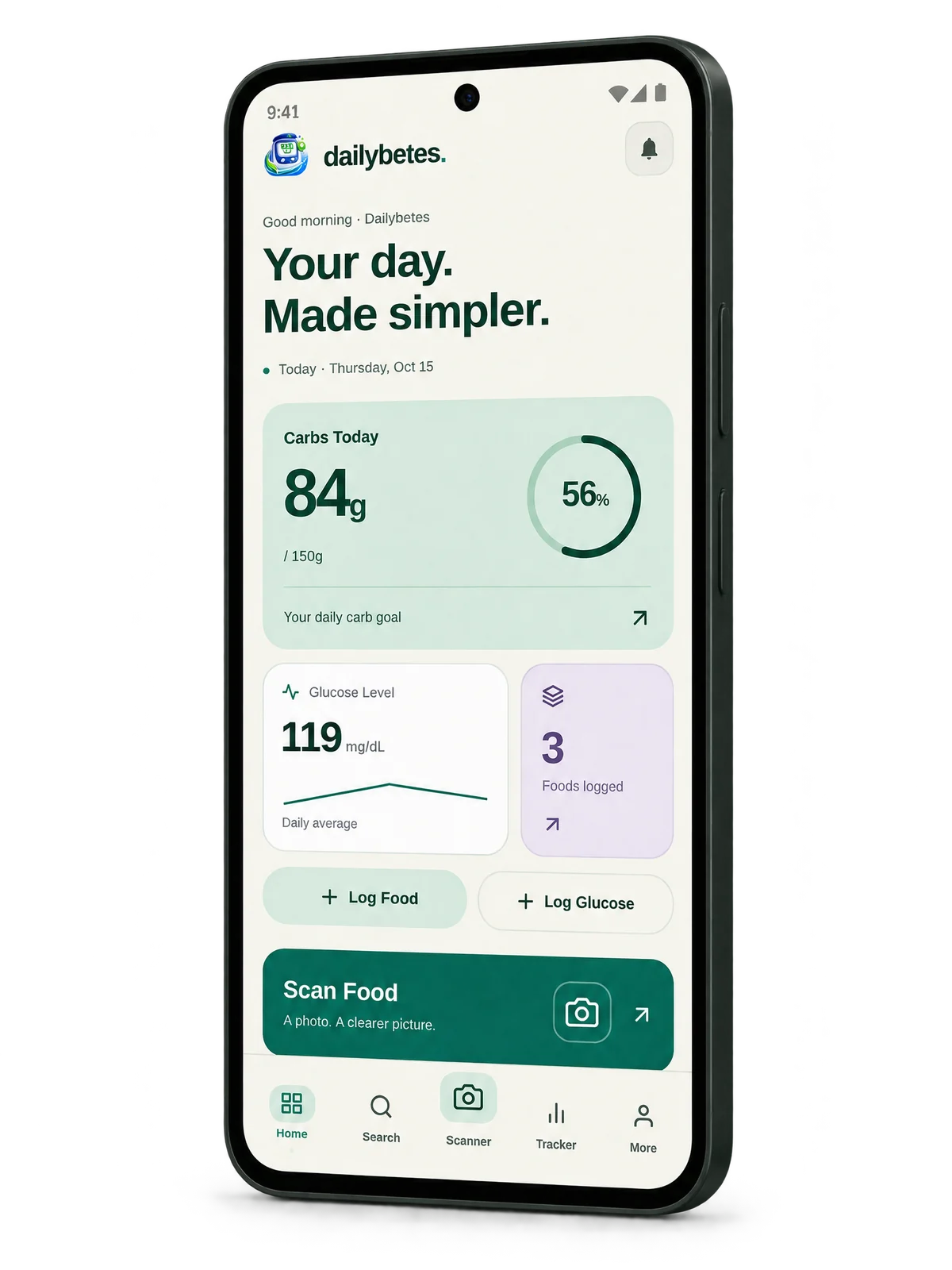
Illustrative app screen / sample data.
Start small. Make it yours.
Android · direct download
01
Download free
A free website account is required. No Pro subscription, card, or payment needed.
02
Build your routine
Look up food, log meals, and review the information you enter.
03
Add Pro if you choose
Eligible new billing accounts can receive a 7-day free trial, then $4.99 USD/month or $49.99 USD/year. Availability is verified at checkout; card required. Renews automatically on your selected plan until canceled. Cancel before the trial ends to avoid the charge.
Pricing
Start free. Go further with Pro.
Everyday essentials, or a little more possibility. Your choice.
Everyday essentials
Dailybetes Free
A clearer view of food, glucose and your everyday patterns.
Free account required for the Android download. No Pro subscription or payment needed.
Included with Free
Food search and barcode lookup
Carb, GI & GL reference context
Favorites and Quick Meals
Food and manual glucose logs
A1C estimates and pattern review
PDF reports from your logged data
Optional subscription
Dailybetes Pro
Android website Pro. Eligible accounts may receive a 7-day trial; card required.
$4.99
USD/month
Checking checkout availability for each billing option…
Everything in Free, plus:
AI Food ScannerReview and adjust results.
Zara informational AI assistant
AI recipe ideas and nutrition estimates
Restaurant discovery and food tips
Coffee & Tea Guide
Review your saved food-photo estimates
Save about $10 per year. $49.99 yearly vs. $59.88 over 12 monthly payments ($9.89 saved).
Your billing, clearly explained.
$4.99 USD billed every month.
Eligible new billing accounts can receive a 7-day free trial; availability and eligibility are verified at checkout. Card required. Then the selected $4.99 USD/month or $49.99 USD/year is charged automatically. Renews automatically until canceled. Cancel before the trial ends to avoid the charge. Applicable taxes may be added and are shown at checkout.
Free stays free.
Review Stripe checkout before confirming. Creating an account does not subscribe you or charge you. Full subscription terms.
A trial is available only once per eligible new billing account, with the same Pro features. Existing subscribers are unchanged. Cancel anytime through Manage billing / cancel; access continues through the confirmed trial or paid period. Free features and your saved local data remain available after trial expiry or nonpayment.
The app download is free. Pro is a separate, optional monthly or yearly subscription. Both billing options include the same Pro features.
Free account required; no Pro or payment. Direct APK, not Google Play. We record your account's first download request, not installation.
Create a free account or sign in to download Android. Pro remains optional; the same account can manage billing.
Your health profile stays separate.
This website account is separate from your existing local health profile in the app. Creating it does not import, upload, or sync your local health records.
Account creation collects your name, email, and password; sign-in uses only email and password—no additional medical data. We store your name, email address, a protected password hash—not your plaintext password—and your account's first download-request record.
We do not store raw IP addresses or device fingerprints in the download ledger. Card details stay with Stripe; local health records are not uploaded here. Creating an account does not enroll you in marketing.
No analytics or third-party tracking scripts run on this account page. Never email us passwords, payment details, or health records. See our Privacy Policy for details.
Confirming payment
Welcome back.
Use your website account—not your local app profile.
The signup update is being prepared. Please try creating an account later. Existing billing accounts can still sign in.
Eligible new billing accounts can receive a 7-day free trial when verified at checkout. Card required. Then the selected $4.99 USD/month or $49.99 USD/year is charged automatically and renews until canceled. Cancel before the trial ends to avoid the charge. Taxes shown at checkout. No charge until you confirm.
Cancel before your trial ends to avoid the charge. Canceling stops future renewals; confirmed trial access or your current paid period remains available until its end. Free features and your saved local data remain available after expiry or failed payment. Uninstalling the app does not cancel Pro.
Food-photo estimates can miss hidden ingredients or misjudge portions. Review and adjust results, and compare packaged foods with their nutrition labels.
Zara and recipe suggestions are informational AI outputs and can be wrong. Check nutrition, portions, ingredients, and allergens yourself. A1C estimates depend on the readings you enter and are not a laboratory A1C test.
Dailybetes does not diagnose conditions, prescribe treatment, calculate insulin doses, or replace a glucose monitor or your care team. Do not use estimates or AI responses to make medication or insulin decisions.
Direct installation means downloading an app outside Google Play. Android may ask you to allow installation from your browser or file manager.
Use the verified download above.
Open this page on your Android device. Download only when the live APK link is available.
Review Android's permission prompt.
Open the downloaded APK. If Android asks, review the “Install unknown apps” / “Allow from this source” setting for the browser or file manager you used. Wording and availability vary by device; work or parental controls may prevent installation.
Install, then turn that permission back off.
Follow your device's prompts. Keep Google Play Protect enabled. If Android flags or blocks the app, stop and contact support rather than bypassing security protections.
Google warns that installing apps from unknown sources can put your device and personal data at risk. Review its official Android download guidance and Google Play Protect help. If your device's steps differ, consult its manufacturer.